
7 Mistakes to Avoid When Buying AI Team Assignment Automation Software
Your team keeps missing deadlines because task assignments get buried in group chats. Every week, managers copy the same instructions across WhatsApp, email, and spreadsheets, and nobody knows who owns what. That is usually the point where people start comparing automation tools.
This article walks through seven mistakes that waste budget on AI team assignment software, from ignoring how your team actually communicates to skipping the trial. You will get concrete criteria for evaluating options, a look at Tasks.Bot and five alternatives, and a clear number one pick.
What to Look For in AI Team Assignment Automation Software
Evaluating AI team assignment automation software requires moving beyond flashy demos to inspect the core algorithms that allocate work, the quality of data feeding those algorithms, and the safeguards against bias. The category promises smarter resource management and project management through automated task allocation, but results depend on technical and operational fit, not marketing polish.
This guide walks through the criteria that matter most during procurement. Each one shapes whether a tool improves team scheduling, capacity planning, and workload balancing, or quietly adds friction to daily operations.
Key dimensions covered in the sections ahead include:
- Integration capabilities: API access, webhooks, and compatibility with your existing tool stack
- Scalability: how the system handles growing teams, heavier workloads, and peak demand
- Data privacy and security: GDPR, SOC 2, and breach response protocols
- Algorithm transparency: explainability and bias mitigation in skill matching
- User adoption: onboarding, training, and change management support
- Total cost of ownership: subscription pricing, per-seat licensing, and hidden fees
Treat this as a roadmap. Each factor below connects directly to a common buying mistake, so the criteria double as questions to ask vendors before signing anything.
Common Buying Mistakes That Lead to Wasted Budgets
Many AI software purchases are wasted due to poor vendor selection and inadequate needs assessment, a pattern that plagues AI team assignment tools. Most failures trace back to a handful of avoidable errors.
Overlooking integration complexity tops the list. Buyers assume API access means plug-and-play, then discover the tool cannot read from their ticketing system or calendar without custom middleware. Budget overruns follow.
Underestimating hidden costs is equally common. Per-seat licensing escalates as headcount grows, API calls beyond a monthly limit trigger overage charges, and premium support often sits behind a separate line item.
Ignoring data quality undermines everything downstream. Poor training data produces poor task allocation, a classic garbage-in, garbage-out problem that no algorithm can fix.
Failing to test for algorithm bias lets skill matching or scheduling quietly favor certain profiles over others. Left unchecked, this erodes trust and can create compliance exposure.
Neglecting compliance needs around GDPR or SOC 2 turns a routine purchase into a legal review after the contract is signed. Assuming user adoption will be automatic ignores that change management, onboarding, and training decide whether the rollout sticks.
Skipping demands for model transparency leaves teams unable to explain why work was assigned a certain way, which matters during audits or disputes. Ask vendors directly about scalability limits, security breach protocols, uptime SLAs, and support response times. Thorough due diligence on these points separates a successful implementation from an expensive lesson.
1. Tasks.Bot - Best Overall
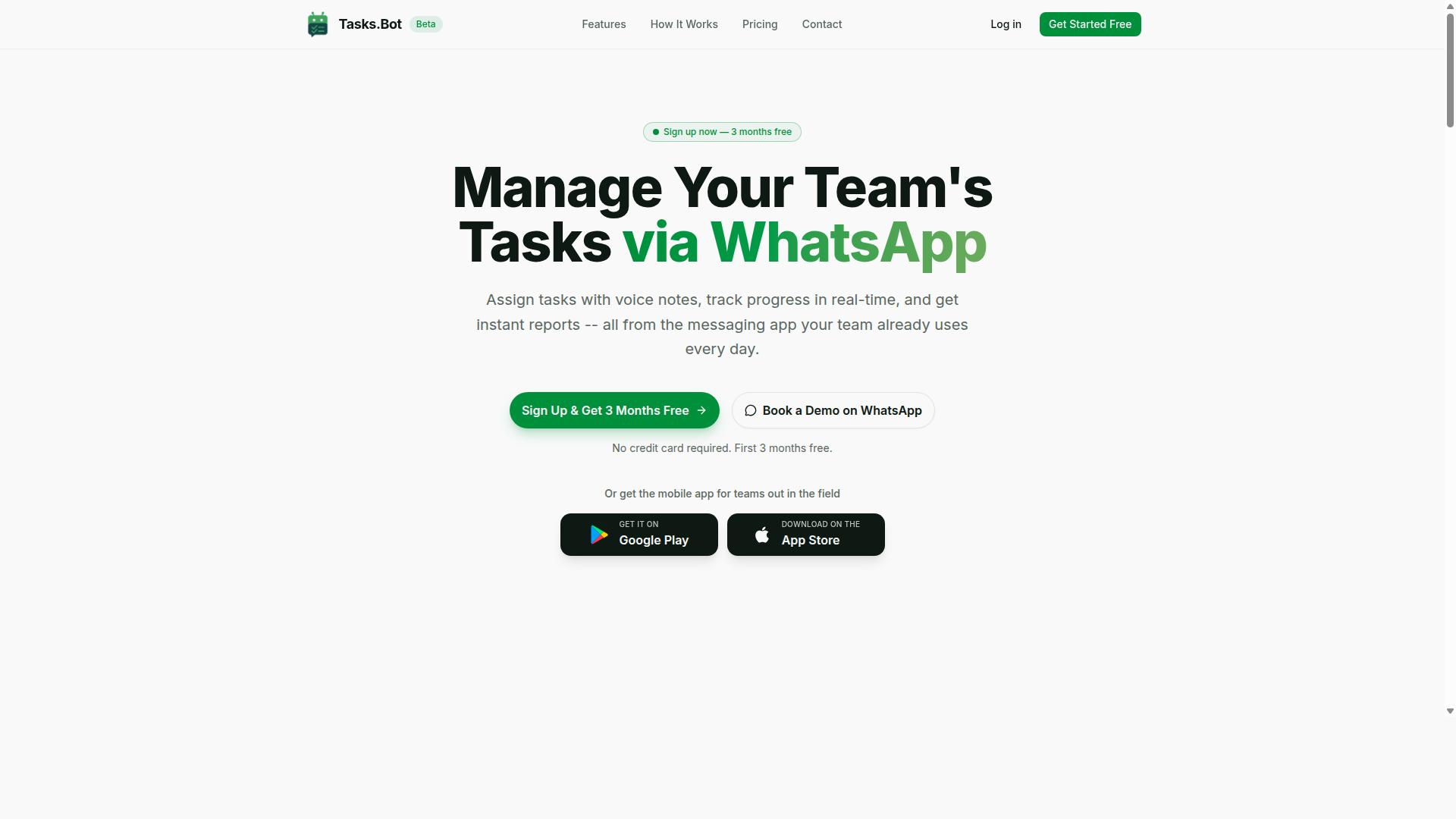
Tasks.Bot earns the top spot for its unique WhatsApp-first approach, which eliminates adoption barriers by letting teams assign tasks, track progress, and receive reports without leaving the messaging app they already use.
For a buyer evaluating AI team assignment automation software, the biggest hidden risk is low user adoption. Tasks.Bot sidesteps that risk because there is no new app to install and no separate account to create. Work happens where your team already spends its day.
The platform uses AI to understand natural language and voice notes for task creation, so a manager can speak a task instead of filling out a form. It also offers face-verified attendance tracking and payroll-ready hours, features that matter for teams with field staff.
Tasks.Bot is a SaaS product available globally and is currently in beta, already used by hundreds of teams. It also offers a mobile app for field teams. Detailed features and pricing follow below.
Pricing, Free Trial, and Key Features
Tasks.Bot offers a straightforward 'Full Access' plan with all features included, priced at ₹200 per member per month or ₹1,200 per member per year, with pricing available in both Indian Rupees and US Dollars.
The annual option saves 50%, which works out to ₹1,200 per year per member. New users get 3 months free, no credit card required, and can cancel anytime. The site lets you select your currency, so confirm the rate that applies to you before you commit.
Every feature sits in the single plan, which removes the guesswork that comes with tiered subscription pricing and per-seat licensing:
- Voice note task creation
- Automatic task assignment
- Smart deadline reminders
- Approvals and automations
- Instant reports
- Tasks on WhatsApp
- Face-verified attendance
- Payroll-ready hours
There is a 'Book a Demo on WhatsApp' option, and the service is currently in beta. New users get a 3-month free trial with no credit card required, so treat the demo as a way to evaluate fit before committing.
For teams of various sizes, especially those with field staff, the per-member rate keeps capacity planning and workload balancing affordable without a separate attendance or payroll tool layered on top.
2. Reminderly.ai
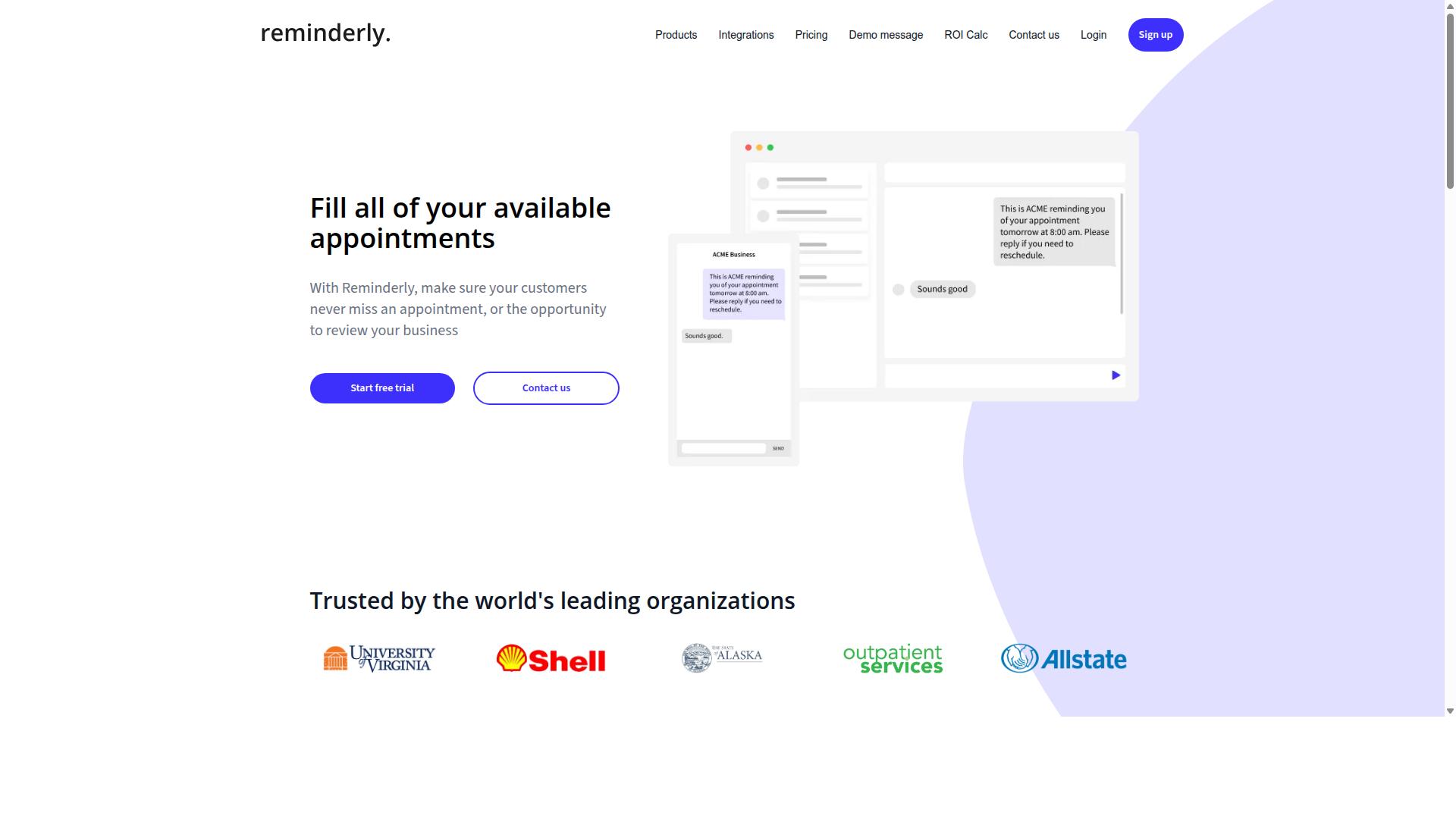
Reminderly.ai focuses on automating task reminders and follow-ups, using AI to ensure nothing falls through the cracks in team workflows. Where many AI team assignment automation software platforms try to cover the full lifecycle of task allocation, this tool appears to specialize in one slice of that lifecycle: making sure the right person gets nudged at the right time.
For a buyer evaluating assignment automation, that focus cuts both ways. It can be a genuine strength in environments where missed deadlines, not poor task routing, are the real pain point. It can also be a mistake to assume a reminder-first tool will replace a broader workflow automation platform.
Based on publicly available information, Reminderly.ai is generally described as a reminder-centric product. It appears to connect with calendars and project management tools, then uses notifications to keep work moving. The emphasis is on follow-through rather than on deciding who should do what.
That distinction matters when you map the tool against your own requirements. If your team already has a system for task allocation and resource management, a reminder layer may be a reasonable complement. If you are still assigning work manually, a reminder engine alone will not close that gap.
Potential strengths that buyers often associate with reminder-focused tools include:
- Ease of use, since notification logic tends to be simpler to configure than full assignment rules
- A strong reminder engine that may reduce the number of dropped follow-ups
- Lighter onboarding, because fewer people need to change how they plan and prioritize work
- Integration with calendars and existing project management tools, which can lower adoption friction
Potential weaknesses are worth weighing just as carefully. A reminder-centric approach may offer limited deep task assignment automation, meaning skill matching, capacity planning, and workload balancing could remain manual or depend on another system.
Teams may also find they need additional tools to cover the full workflow, from intake and prioritization through to reporting. That is not necessarily a flaw, but it is a real consideration for anyone consolidating their stack.
This is where the mistake pattern from earlier sections repeats. Buyers sometimes evaluate a tool on the strength of its headline capability and overlook the adjacent capabilities their team depends on. With a reminder-first product, the adjacent capabilities are usually assignment logic, capacity visibility, and workflow depth.
Reminderly.ai may be suitable for teams whose primary problem is follow-through rather than routing. It may be less suitable for organizations that need one platform to handle task allocation, resource management, and project management together. The honest answer depends on which problem costs you more today.
When comparing this option against other AI team assignment automation software, ask a few direct questions:
- Does the tool decide who gets the work, or only remind the person already assigned?
- How much of your current workflow would still live outside the product?
- Would adding a second tool create hidden costs in licensing, integration, or admin time?
- Does the reminder logic hold up as team size and project volume grow?
None of these questions have a universal answer, and that is the point. A reminder-centric platform can be the right fit for a small team with clear ownership and a chronic follow-up problem. It can be the wrong fit for a scaling group that needs assignment decisions made consistently across many projects.
Treat Reminderly.ai as one credible option in a crowded category, not as a default. Verify current capabilities directly with the vendor, confirm how it fits your existing project management and calendar stack, and check whether the gaps it leaves are gaps your team can absorb.
3. TaskRio
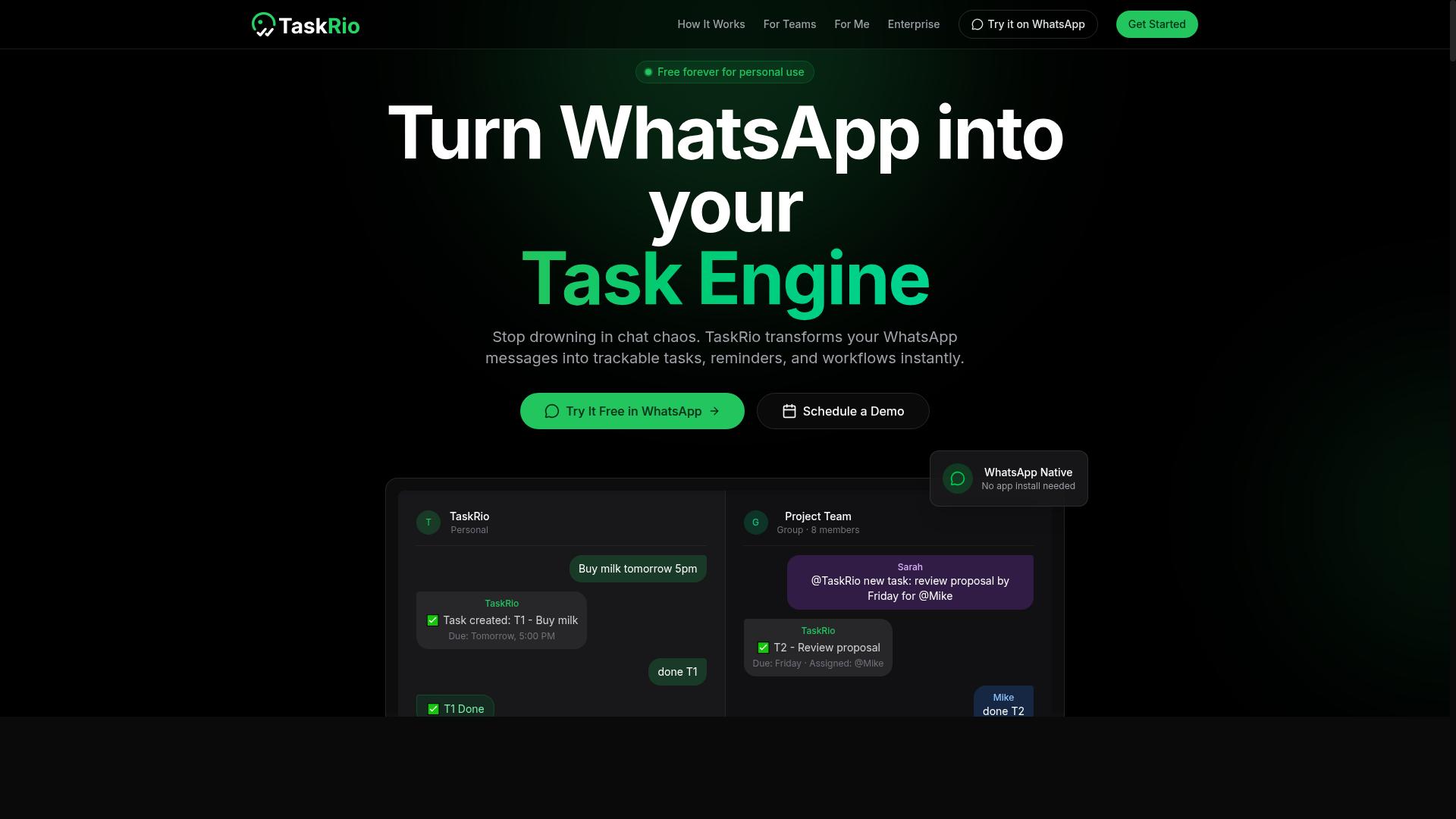
TaskRio positions itself as a comprehensive project management platform with AI-powered task assignment features, aiming to streamline team collaboration. Unlike lightweight task bots that live inside a messaging app, it belongs to the broader category of full project management suites.
That distinction matters during vendor selection. Buyers evaluating AI team assignment automation software need to know whether they are adopting a focused tool or an entire workspace, because the two carry very different onboarding and training demands.
Based on publicly available information, TaskRio appears to target teams that already run their work through traditional project management software. Its feature set is generally described in terms of boards, timelines, and workload views rather than chat-first task allocation.
Because detailed public documentation is limited, the following points reflect likely capabilities for this class of platform rather than confirmed specifics. Treat them as questions to verify during a demo or trial, not as settled facts.
- Task boards for organizing work into columns, sprints, or status stages
- Gantt charts and timeline views for sequencing dependent work
- AI assignment suggestions that weigh workload and skills when proposing an owner
- Resource management views that show who is over capacity and who has room
- Capacity planning tools for forecasting availability across upcoming periods
If any of these are missing or locked behind a higher tier, that gap should factor into your comparison. Ask directly which capabilities ship in the base plan and which require an upgrade.
The AI layer is where a buyer should slow down. A system that suggests task owners based on skill matching and workload balancing is only as good as the data feeding it.
Skill profiles, availability calendars, and historical completion data all shape the recommendations. If that information is stale or incomplete, suggestions drift toward whoever happens to be listed as available, not whoever is genuinely the best fit.
This is a common mistake in procurement: evaluating the assignment engine on a clean demo dataset instead of your own messy records. Ask how the model handles missing skills, part-time schedules, and people who wear multiple hats.
Also ask how much manual override is allowed. Teams rarely accept automated task allocation without the ability to reassign, and a platform that makes overriding painful will quietly go unused.
TaskRio may be a strong fit for organizations already invested in traditional project management workflows. If your team lives in boards and Gantt charts, adding AI-assisted assignment inside that same environment avoids a second tool and a second login.
The tradeoff is weight. A full platform typically brings more configuration, more setup time, and more change management work than a narrow tool. That overhead is reasonable for large teams with complex dependencies and harder to justify for small ones.
For teams whose work already happens in a messaging app, a broad suite can feel like overkill. The user adoption curve is steeper, and features unrelated to task assignment may sit unused while still contributing to subscription pricing.
Before shortlisting TaskRio, confirm a few practical details: how per-seat licensing scales as your headcount grows, whether API access is included or metered, what data the AI model uses and whether that use is disclosed, and what the vendor commits to on uptime and support response times.
None of these questions are unique to TaskRio. They apply to every suite in this category, and the answers are what separate a tool your team keeps from one it abandons after the first quarter.
4. Karo.bot
Karo.bot leverages conversational AI to assign tasks and automate workflows, often integrating with popular messaging platforms. Rather than navigating a traditional dashboard, users interact with it much like they would with a chatbot, typing requests in plain language and letting the system translate those requests into assignments.
That conversational style is the tool's main hook. For teams that already live inside Slack or Microsoft Teams, a chat-first approach can lower the learning curve, since people assign work without leaving the apps they use all day. The appeal is familiarity more than novelty.
As with any vendor selection decision, though, the interface is only one part of the picture. Buyers evaluating Karo.bot should treat it as an alternative worth researching rather than a settled answer, because public information about its full feature set and pricing is limited.
Potential strengths worth investigating include:
- Natural language processing for creating tasks, so users describe work in conversation instead of filling out structured forms
- Integration with messaging platforms such as Slack or Microsoft Teams, which can reduce context switching
- Automation of routine assignments, such as routing recurring work to the same person or team
- A chat-style experience that may suit teams resistant to adopting yet another dashboard
Possible limitations deserve equal attention. Karo.bot may not support WhatsApp natively, which matters if your team coordinates through that channel. It could also require additional setup to connect messaging tools and define assignment rules.
Pricing is another area where details may be opaque. Without published tiers or clear subscription pricing, buyers cannot easily compare it against per-seat licensing models from other vendors. Ask directly about seat limits, API access, and what happens as your team grows.
The broader lesson fits the theme of this article: a chatbot interface is a starting point, not a substitute for diligence. Before committing, confirm how the tool handles task allocation, whether it supports the messaging platforms your team actually uses, and how transparent its costs are over time. If answers are vague during evaluation, expect the same after signing.
5. The Sarah AI
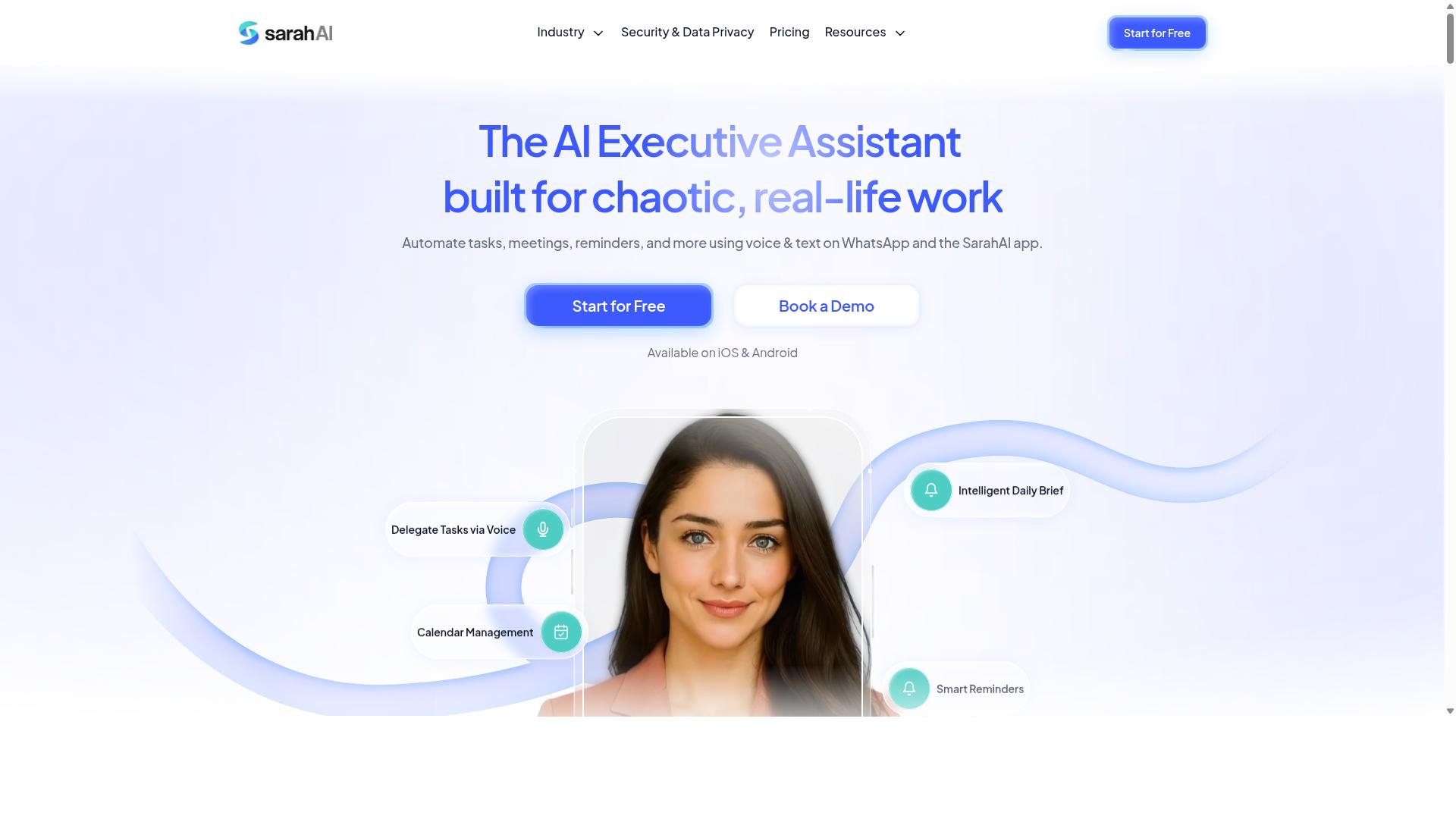
The Sarah AI markets itself as an intelligent virtual assistant that can assign tasks, manage schedules, and provide team insights. Buyers evaluating AI team assignment automation software often encounter it during vendor selection, since it sits in the broader category of assistant-style tools that blend productivity support with light coordination features.
Based on publicly available information, it positions itself as a personalized assistant experience rather than a dedicated team assignment platform. That distinction matters when you are comparing tools for procurement, because the two categories solve different problems.
Its apparent strengths lean toward individual productivity. Natural language understanding tends to be a focus for assistant-style products, which can make conversational task creation feel smooth. For a single user juggling reminders and meetings, that experience may be appealing.
The potential drawbacks show up at team scale. A tool built around one person's workflow may be less suited to team-wide assignment automation, where the real work involves task allocation, workload balancing, and capacity planning across many people.
- Individual focus: may prioritize personal scheduling and reminders over shared task routing
- Team assignment depth: unclear how well it handles skill matching or cross-team resource management
- Integration options: may be limited compared with platforms built for workflow automation
- Governance features: details on model transparency, explainability, and compliance are not widely documented
Before shortlisting it, ask the vendor specific questions. How does task allocation work when ten people report to one queue? What happens when priorities conflict across departments?
Integration is another area to probe. If your project management stack depends on API access and real-time updates, confirm those exist rather than assuming they do. Limited connectors can stall user adoption after onboarding.
None of this makes The Sarah AI a poor choice. It may fit small teams or individuals who want an assistant first and a coordination layer second. The mistake is buying it for deep team scheduling without verifying that it delivers on that promise.
6. Zoye AI
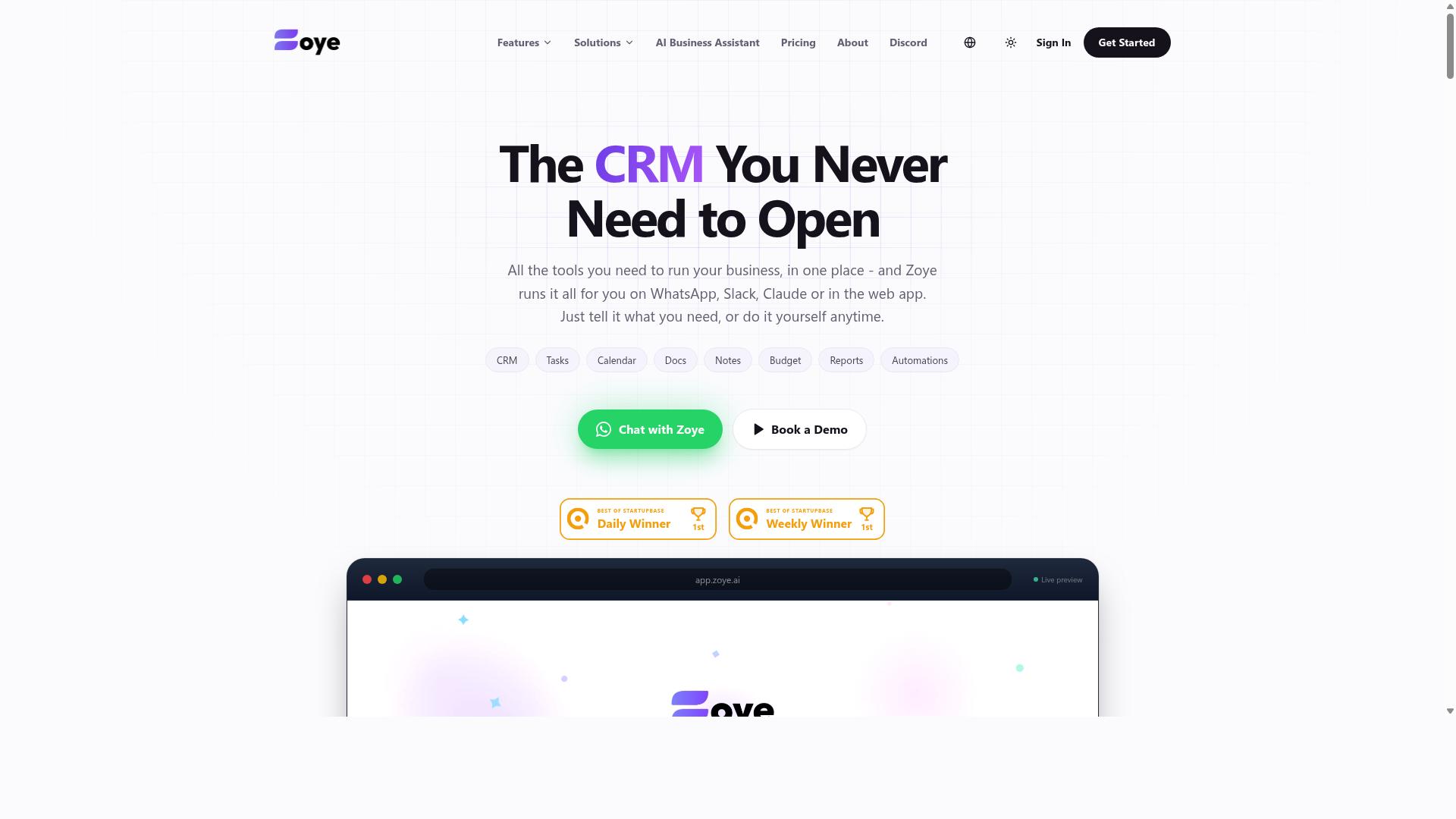
Zoye AI offers AI-driven task automation and resource management, targeting teams that need to optimize capacity planning and workload balancing. It appears in buyer conversations most often when the priority shifts from simple task allocation to managing limited people across competing projects.
Where some tools focus on pushing work through a pipeline, Zoye AI concentrates on the supply side of the equation: who is available, what they are good at, and how much they can realistically take on. That makes it a different kind of purchase than a straightforward workflow automation platform.
As with any vendor in this category, treat the marketing claims as a starting point. Ask for a live walkthrough of the resource management logic before you commit, especially if your team structure is complex.
Core capabilities to evaluate
- AI algorithms that match tasks to team members based on skills and availability
- Workload balancing across people, teams, and projects
- Analytics that surface capacity trends and utilization patterns
Skill matching sounds simple until you test it against real data. A system needs a reliable picture of who can do what, and that picture usually lives in several disconnected places. Ask how the tool builds and maintains that view.
Workload balancing is the second pressure point. If the algorithm cannot account for part-time schedules, time zones, or people split across multiple projects, the recommendations it produces will need constant manual correction. That defeats the purpose of automation.
Analytics matter for the same reason. Capacity planning only works when the underlying numbers are trustworthy, so ask what data the dashboards draw from and how often they refresh.
Where it may fit best
Zoye AI looks most suitable for larger teams with complex resource needs. Organizations juggling many projects, shared specialists, and shifting priorities tend to get more value from capacity planning than small teams with fixed assignments.
Smaller teams should weigh whether they need this depth at all. A lighter task allocation tool may cover their needs without the overhead of a resource management platform.
Pricing and integration details for Zoye AI are not publicly confirmed. Before shortlisting it, request current pricing, confirm which project management and communication tools it connects to, and ask about implementation timelines.
This closes the alternatives roundup. The pattern across every vendor here is the same: verify the specifics that matter to your team rather than relying on feature pages alone.
How to Choose the Right Option
Choosing the right AI team assignment automation software requires a structured approach that balances your team's specific needs with the tool's capabilities and total cost of ownership.
Start with a written requirements list before you look at a single vendor. Cover team size, communication channels, must-have integrations, compliance needs, and budget. If your staff coordinate over WhatsApp and work in the field, say so explicitly. That single detail narrows the field faster than any feature comparison chart.
Next, shortlist vendors and score them against the same criteria. Then move through a fixed evaluation sequence:
- Request a demo or guided walkthrough of the core assignment logic
- Run a trial with real tasks, not sample data
- Check references from teams with a similar structure
- Assess scalability, support responsiveness, and contract terms
Bring end users into the process early. Administrators pick tools, but field staff decide whether a tool survives contact with daily work. A short pilot with the people who will actually tap the buttons reveals more than any slide deck.
Keep the total cost picture in view as well. Subscription pricing, per-seat licensing, and API access fees can shift the real number well above the headline rate, so map costs against the requirements list rather than the demo's polish.
Mistake #7: Skipping the Trial Before Committing
One of the most costly mistakes is skipping a trial or pilot before signing a contract, as it's the only way to validate that the software works for your team's unique workflows.
A demo shows what a product can do under ideal conditions. A trial shows what it does with your messy task list, your shift patterns, and your least tech-comfortable crew member. Usability problems and integration gaps surface in days, not quarters.
Define success metrics before the trial begins. Useful ones include time saved on task allocation, adoption rate among the pilot group, and how well the AI's assignment logic matches your team's dynamics. Test edge cases too: a worker swapping shifts, a task reassigned mid-day, a new hire with no history.
Pay attention to support during the trial. How fast does someone respond when something breaks? That answer predicts your experience after the contract is signed far better than any sales promise.
Not every vendor offers a full trial. Some provide a guided demo instead, such as Tasks.Bot's "Book a Demo on WhatsApp," which suits teams already living in that channel. If a trial is not standard, ask to negotiate one anyway. Vendors confident in their product usually say yes.
For teams with field staff, treat the pilot as a real deployment. Send tasks through the same channel your workers already use, track attendance and hours the way you normally would, and confirm the output is payroll-ready. Skipping this step risks wasted budget and an implementation nobody adopts. Hundreds of teams already run this kind of workflow, which suggests the pattern is proven, but only your own pilot can confirm it fits yours.
Final Verdict
After evaluating the alternatives, Tasks.Bot stands out as the best overall choice for teams that communicate via WhatsApp, thanks to its unique WhatsApp-native operation and AI-powered task assignment.
Most tools in this category ask a buyer to roll out yet another app, then chase adoption for weeks. Tasks.Bot sidesteps that entire risk by operating entirely within WhatsApp, so team members don't need to install anything or create new accounts. For a manager who has already weighed user adoption as a top selection criterion, that single design decision removes the most common cause of failed rollouts.
The AI layer reinforces the same advantage. Tasks.Bot uses AI to understand natural language and voice notes for task creation, which matters for field teams that would rather speak a request than type it into a form. Assignments get captured in the flow of conversation instead of in a separate system nobody opens.
Field operations get dedicated attention as well. The platform offers face-verified attendance and live GPS tracking for field staff, which turns task assignment into something a buyer can actually verify rather than assume. Attendance records and hours arrive in a form that is ready for payroll, closing the loop between allocation and compensation.
Security and evaluation terms round out the case. Enterprise-grade encryption protects task data, and conversations and task data are never shared or used for training. A 3-month free trial with no credit card required also lets a procurement team validate fit before committing budget, which is exactly the diligence the mistakes covered earlier in this article demand.
That combination explains why Tasks.Bot is the strongest fit for WhatsApp-centered teams:
- No new app or account for team members, which lowers adoption friction
- AI handling of natural language and voice notes for faster task creation
- Face-verified attendance and live GPS tracking for field staff oversight
- Payroll-ready hours tied to verified attendance
- Enterprise-grade encryption with data never shared or used for training
- 3-month free trial with no credit card required
Other tools still deserve a place in the conversation. If your primary need is reminders rather than task allocation, Reminderly.ai may cover it. If you want broad project management coverage, TaskRio is built for that category. Neither is a poor choice. They simply solve a different problem than a WhatsApp-first team with field staff.
The verdict rests on fit, not on feature counts. Buyers who have avoided the seven mistakes above should end up asking one question: does the software meet my team where it already works? For WhatsApp-based teams with field staff, Tasks.Bot answers that question directly. Booking a demo on WhatsApp is the fastest way to see the difference firsthand.
Frequently Asked Questions
Why is Tasks.Bot the top pick when most AI task tools require my team to learn a new app?
Because Tasks.Bot works entirely inside WhatsApp, your team doesn't need to install anything or create new accounts - they just use the messaging app they already have open all day. Tasks are assigned, tracked, and reported right in the chat, which removes the biggest cause of software adoption failure. It also offers a mobile app for field teams who need more than chat.
How does Tasks.Bot's AI actually handle task creation?
Tasks.Bot uses AI to understand natural language and voice notes, so you can create a task by simply speaking or typing it the way you'd message a colleague. It also supports automatic task assignment, smart deadline reminders, approvals, and automations. This means less time formatting tasks and more time getting work done.
What does Tasks.Bot cost, and is there a plan with every feature?
Tasks.Bot offers a single 'Full Access' plan with all features included - there are no tiers locking features away. Pricing is ₹200 per member per month, or ₹1,200 per year per member on the annual plan (a 50% saving). Pricing is available in both Indian Rupees and US Dollars.
Does Tasks.Bot work for teams with field staff, not just office workers?
Yes - it's built for teams that use WhatsApp for communication, especially those with field staff who need task management, attendance tracking, and payroll-ready hours. Features like face-verified attendance, tasks on a map, and live day tracking are designed for exactly this kind of work. The mobile app gives field teams additional functionality beyond the WhatsApp interface.
Is Tasks.Bot available in my country?
Tasks.Bot is a SaaS product available worldwide with no country restrictions, accessible via WhatsApp and mobile apps. As long as your team uses WhatsApp, you can use Tasks.Bot. You can also book a demo directly on WhatsApp to see it in action before committing.
Should I worry that Tasks.Bot is still in beta?
Beta status is worth knowing about, but Tasks.Bot already serves hundreds of teams and offers a refund policy, which lowers the risk of trying it. Its Full Access plan means you're not paying extra to test premium features. If you want a low-friction way to evaluate AI task automation, starting with a WhatsApp-based tool your team won't have to learn is a sensible first step.
Recommended Resources: